
On this page
Getting production access approved feels like the finish line, and it is really the starting gun. Approval lets you hand your app to everyone on Google Play, but you still have to create a production release, decide how much of your audience receives it, and keep the app healthy after it goes live. This guide walks through each step in the order you will actually hit it.
What approval actually unlocks
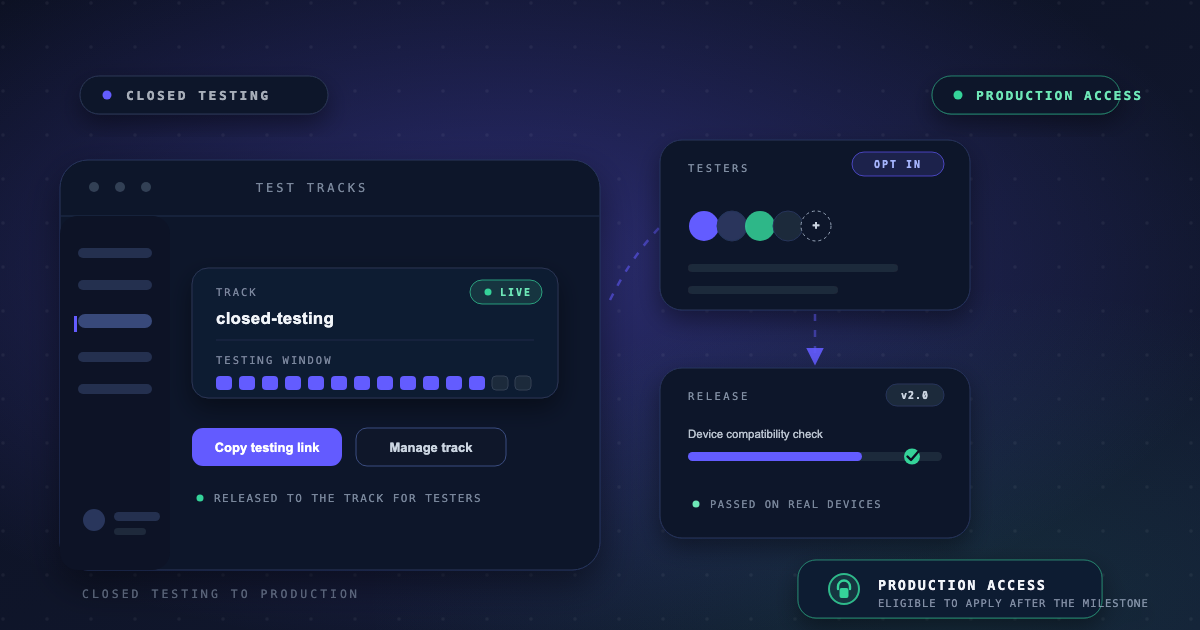
Once Google approves your production access application, the Production track opens up for your app. You can upload an Android App Bundle to production, create a release, and publish to real users on Google Play. Your closed testing track stays available, which matters more than most developers expect, because you will keep using it for updates after launch.
Create your first production release
Open the Production track
In Play Console, go to your app, then Production. Select Create new release to start building the release that will go to everyone.
Upload your Android App Bundle
Upload the .aab you have been testing, fill in the release name and release notes, and let Play Console validate the bundle. Use the same package and a version code higher than anything you have uploaded before.
Choose your rollout plan
Decide how much of your audience receives the release on day one. A staged rollout lets you watch stability before everyone gets it, while a full rollout hands the app to all users immediately.
Review and roll out
Check the release summary, confirm the countries and pricing settings, and send it for review. Once Google approves it, the release goes live at your chosen percentage.
Roll out in stages, then expand
A staged rollout gives you a quiet period to watch real-world behavior before your entire audience is affected. Raise the percentage only when crash levels, user feedback, and reviews look acceptable at the current stage. If something goes wrong, you can halt the rollout and keep the previous version serving users while you investigate.
What Google still expects after launch
Production access is not a permanent pass. Google may require continued closed testing while your app is live, for example if fewer than 12 testers stayed opted in during your window or if engagement during your test period was insufficient. Policy compliance also remains an ongoing obligation: your store listing, data handling, and app behavior must keep matching Play policy.
Post-launch is also when a recurring quality partner pays for itself. AppsTestLab supports teams after production access with regression passes on every release, pre-submission policy audits, and rollout monitoring, so your first week in production is not a blind one.
Frequently asked questions
How long after approval can I publish?
You can create your production release as soon as access is approved. The release itself still needs to pass Google's review before users see it, so factor that review time into your launch date.
Do I lose my closed testing track?
No. Your closed track stays available after launch and remains the best place to validate updates before they reach production users.
Can Google ask me to test again after I launch?
Yes. Continued closed testing can be required if your tester count or engagement during the original window did not meet expectations, which is one more reason to run the first test properly.
Should I launch at 100 percent immediately?
A staged rollout gives you a safety margin. Start smaller, watch stability, and increase the percentage as evidence accumulates. Only skip staging when you have a specific reason to.
Sources & references
Official Google documentation- Prepare and roll out a releasesupport.google.com
- App testing requirements for new personal developer accountssupport.google.com
- Google Play Console helpsupport.google.com
These links open Google's official Play Console Help pages used to verify this guide. AppsTestLab guidance is independent and not affiliated with Google.
Get help doing this